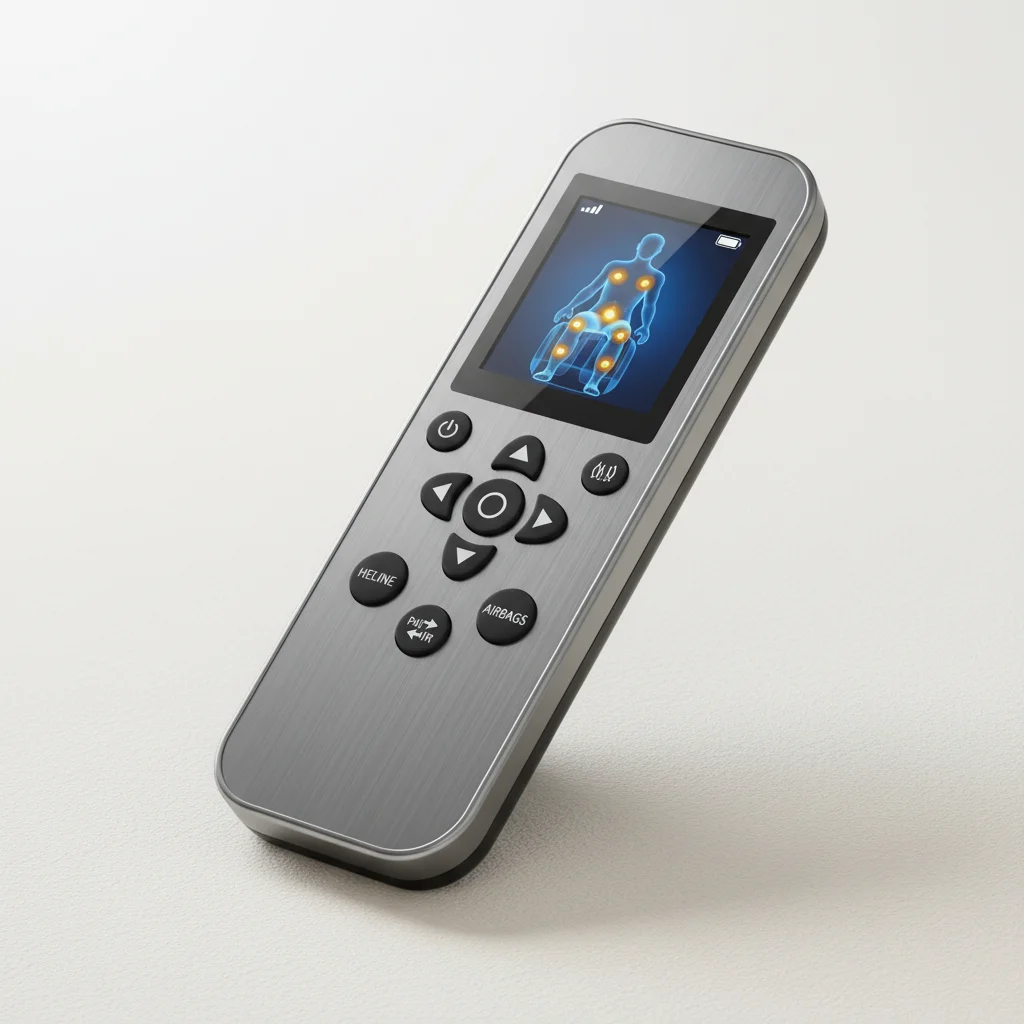
Pairing your massage chair remote control correctly is crucial for enjoying all the features your chair offers. While the exact steps can vary slightly between brands and models, there are typically three main methods for successful pairing: automatic connection, manual button synchronization, and app-based pairing. Understanding these methods will help you troubleshoot common connection issues and ensure your chair responds as expected.
Automatic Remote Control Pairing
Many modern massage chairs are designed for automatic remote control pairing. When you first power on your massage chair and insert batteries into the remote, the two devices often establish a connection without any user intervention. This process usually involves the remote sending a signal that the chair’s receiver detects and acknowledges. If the connection isn’t immediate, try turning both the chair and remote off, waiting 30 seconds, and then powering them back on. Ensure there are no obstructions between the remote and the chair’s main unit, and that the remote is within the typical operating range, usually a few feet.
Manual Button Synchronization for Remotes
For chairs that don’t automatically pair, a manual synchronization process is often required. This typically involves pressing a specific sequence of buttons on both the remote and the massage chair itself. Common sequences include holding down a ‘Pair’ or ‘Connect’ button on the remote while simultaneously pressing a corresponding button on the chair’s control panel, often located near the power switch or under a small access panel. Some chairs might require you to hold the buttons for a few seconds until an indicator light on either the remote or the chair flashes, confirming the connection. Always refer to your specific chair’s user manual for the precise button combination and timing.
App-Based Remote Control Pairing
|
Our Picks for the Best Massage Chair in 2026
As an Amazon Associate I earn from qualifying purchases.
|
||
| Num | Product | Action |
|---|---|---|
| 1 | Snailax Shiatsu Neck Back Massager with Heat, Massage Chair Pad with Compression, Height-Adjustable Neck Massage Rollers Chair Seat Massager, Gifts for Men, Women |

|
| 2 | Snailax shiatsu Neck & Back Massager with Heat, Full Back Kneading Shiatsu or Rolling Massage, Massage Chair pad with Height Adjustment, Back Massager for Neck and Shoulder |
|
| 3 | COMFIER Shiatsu Back Massager with Heat, Dual Motor 3D Rollers, Long Track Deep Tissue Kneading, Foldable Massage Chair Pad with Adjustable Height for Back Tension & Muscle Stiffness |
|
| 4 | Mynt FSA Eligible HSA Approved Shiatsu Neck and Back Massager for Chair with 10 Deep Kneading Nodes, 2D & 3D Back Massage with Heat, Portable Spot Massage Chair Pad (Black) |
|
| 5 | belhope Shiatsu Neck and Back Massager with Heat, 4D Kneading Back Massager for Pain Relief Deep Tissue, Comfortable Back Massage for Chair, Massage Mat for Home, Mother's Day Gifts for Men Women |
|
| 6 | Snailax Shiatsu Back Massager with Heat Massage Chair Pad Kneading Back Massager for Pain Relief Deep Tissue Chair Massage Pad for Office Home |
|
| 7 | Snailax Neck Back Massager with Heat, Full Body Massage Chair Pad, Adjustable Compression, Rolling, Shiatsu Massage Seat Cushion, Chair Massagers,Gifts for Women, Man (Upgrade) |
|
| 8 | COMFIER Massager Chair with Heat, Shiatsu Neck Back Massager Portable with Compression & Rolling,Massage Chair Pad for Neck & Back for Muscle Tension Relief |
|
| 9 | Lvrunben Shiatsu Back Massager with Heat, 3D Kneading Massage Chair Pad, Electric Massage Seat Cushion for Body, Neck,Shoulder, with Movable Multi-Function Leg and Foot Massager, for 62-69 inches |
|
| 10 | COMFIER Shiatsu Neck & Back Massager with Heat, Full Back Coverage Massage Chair Pad with 4D Kneading & Adjustable Neck Nodes, Waist & Hip Compression |
|
A growing number of high-end massage chairs now offer app-based control, which can also involve a pairing process. After downloading the manufacturer’s dedicated app to your smartphone or tablet, you’ll typically need to enable Bluetooth on your device. The app will then guide you through connecting to your massage chair. This often involves selecting your chair from a list of nearby Bluetooth devices within the app and confirming the connection. Some apps might require you to input a specific code found on your chair or in the manual. Once paired, your smartphone effectively becomes an advanced remote control, offering more detailed customization options and program selections than a traditional handheld remote.
Troubleshooting Common Pairing Issues
If you’re experiencing difficulty pairing your massage chair remote, several common issues might be at play. First, check the batteries in your remote; weak or dead batteries are a frequent culprit. Replace them with fresh ones. Second, ensure there’s no interference from other electronic devices operating on similar frequencies, such as cordless phones or Wi-Fi routers. Moving the remote closer to the chair can also help. Third, perform a hard reset on both the chair and the remote by unplugging the chair from the wall for a few minutes and removing the remote batteries. This can clear any temporary glitches. If all else fails, consulting the chair’s user manual or contacting customer support is the next best step.
- Verify remote control batteries are fresh and correctly inserted.
- Ensure no physical obstructions block the signal between remote and chair.
- Check for potential electronic interference from other devices.
- Perform a power cycle on both the chair and the remote.
- Consult the user manual for model-specific pairing instructions.
Understanding the different methods for pairing your massage chair remote control ensures you can fully utilize your chair’s features for optimal relaxation and therapeutic benefits. Whether it’s an automatic connection, a manual button sequence, or an app-based setup, a properly paired remote is key to a seamless experience.For more advanced models with app integration, explore the enhanced control options available.
Get our weekly buyer guide
Practical specs, not advice. Unsubscribe anytime.

I appreciate the breakdown of the different pairing methods. My chair uses an app-based pairing system, and I was confused why the other methods weren’t working for me. Knowing that some chairs require the app made all the difference. It’s working perfectly now, and I’m enjoying my daily back massages.
I was having so much trouble with my new massage chair’s remote, it just wouldn’t connect. The tip about trying the automatic connection method by just powering everything off and on again really saved me! Now I can finally use all the different massage programs without any hassle. So glad I found this info.
My chair is an older model and the manual button synchronization was a bit tricky to get right. It took me a few tries to hold the buttons down for the exact right amount of time. I wish the instructions were a little clearer on the timing, but eventually, I got it to work. The chair itself is great once the remote is paired.
This was super helpful! I thought my remote was broken, but it turns out I just needed to understand the different ways chairs connect. My specific brand actually uses the automatic connection, and after reading this, I just restarted everything and it paired instantly. No more frustration trying to get my chair to respond!