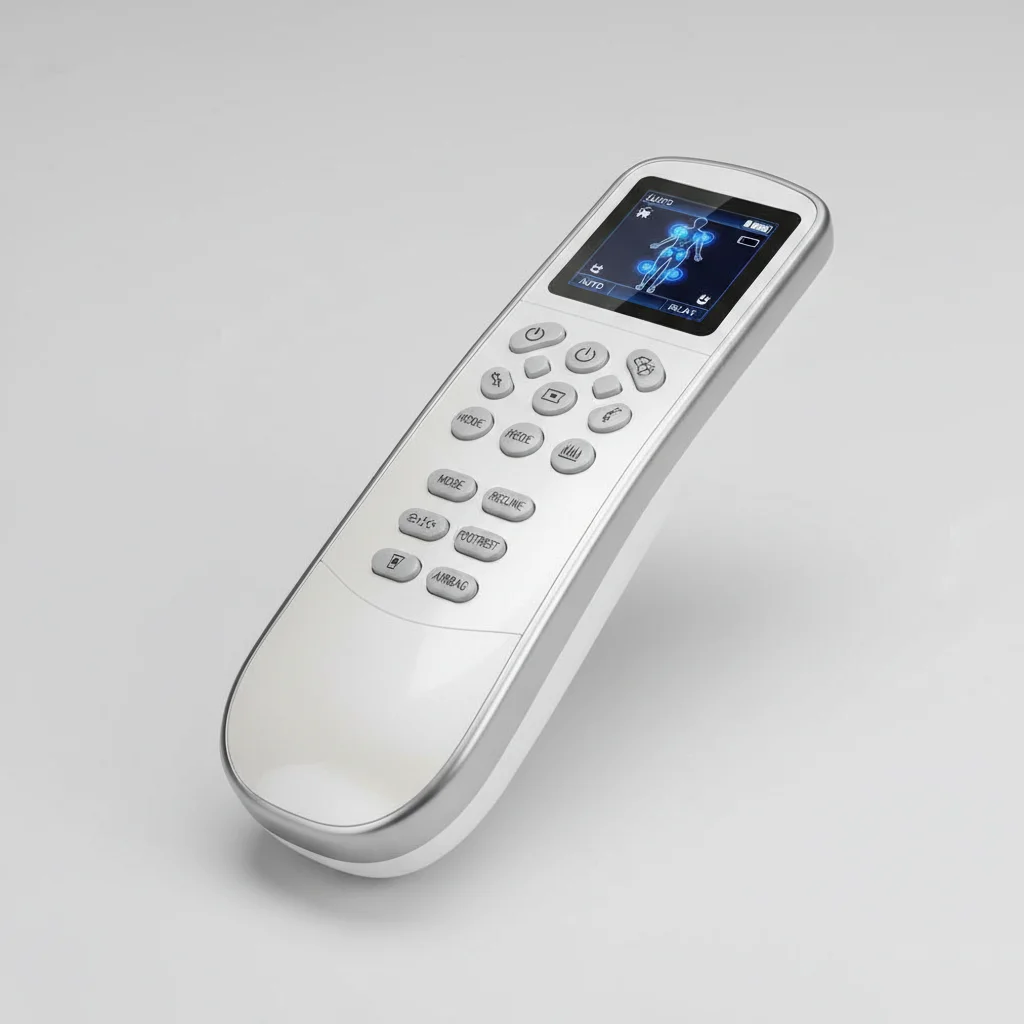
A malfunctioning massage chair remote control can quickly turn your relaxation into frustration. Most common issues with massage chair remotes can be resolved with simple troubleshooting steps, often related to power, connectivity, or minor software glitches. Understanding these fixes can save you time and the hassle of contacting customer support.
Checking Power and Batteries
The most frequent cause of a non-responsive remote is a power issue. Begin by checking the batteries. Many remotes use standard AAA or AA batteries, while some advanced models might have rechargeable internal batteries. If your remote uses disposable batteries, replace them with a fresh set. Ensure they are inserted correctly, observing the positive and negative terminals. For rechargeable remotes, confirm it’s fully charged by connecting it to its charging dock or cable. A loose connection or a faulty power outlet can also prevent charging. For best massage chairs roundups on this site.
Re-establishing Connection
Massage chair remotes typically connect to the chair via infrared (IR) or Bluetooth. If your remote uses IR, ensure there’s a clear line of sight between the remote’s emitter and the chair’s receiver. Obstructions can block the signal. For Bluetooth remotes, you may need to re-pair the remote with the chair. Consult your chair’s user manual for specific pairing instructions, which usually involve holding down a specific button combination on the remote and a corresponding button on the chair. This process refreshes the connection and resolves many communication errors.
Resetting the Remote and Chair
|
Our Picks for the Best Massage Chair in 2026
As an Amazon Associate I earn from qualifying purchases.
|
||
| Num | Product | Action |
|---|---|---|
| 1 | Mynt FSA Eligible HSA Approved Shiatsu Neck and Back Massager for Chair with 10 Deep Kneading Nodes, 2D & 3D Back Massage with Heat, Portable Spot Massage Chair Pad (Black) |

|
| 2 | Lvrunben Shiatsu Back Massager with Heat, 3D Kneading Massage Chair Pad, Electric Massage Seat Cushion for Body, Neck,Shoulder, with Movable Multi-Function Leg and Foot Massager, for 62-69 inches |
|
| 3 | COMFIER Shiatsu Neck & Back Massager with Heat, Full Back Coverage Massage Chair Pad with 4D Kneading & Adjustable Neck Nodes, Waist & Hip Compression |
|
| 4 | Snailax Neck Back Massager with Heat, Full Body Massage Chair Pad, Adjustable Compression, Rolling, Shiatsu Massage Seat Cushion, Chair Massagers,Gifts for Women, Man (Upgrade) |
|
| 5 | Snailax Shiatsu Neck Back Massager with Heat, Massage Chair Pad with Compression, Height-Adjustable Neck Massage Rollers Chair Seat Massager, Gifts for Men, Women |
|
| 6 | belhope Shiatsu Neck and Back Massager with Heat, 4D Kneading Back Massager for Pain Relief Deep Tissue, Comfortable Back Massage for Chair, Massage Mat for Home, Mother's Day Gifts for Men Women |
|
| 7 | COMFIER Massager Chair with Heat, Shiatsu Neck Back Massager Portable with Compression & Rolling,Massage Chair Pad for Neck & Back for Muscle Tension Relief |
|
| 8 | Snailax shiatsu Neck & Back Massager with Heat, Full Back Kneading Shiatsu or Rolling Massage, Massage Chair pad with Height Adjustment, Back Massager for Neck and Shoulder |
|
| 9 | Snailax Shiatsu Back Massager with Heat Massage Chair Pad Kneading Back Massager for Pain Relief Deep Tissue Chair Massage Pad for Office Home |
|
| 10 | COMFIER Shiatsu Back Massager with Heat, Dual Motor 3D Rollers, Long Track Deep Tissue Kneading, Foldable Massage Chair Pad with Adjustable Height for Back Tension & Muscle Stiffness |
|
Sometimes, a simple reset can clear minor software bugs. To reset the remote, remove the batteries (if applicable) and wait for about 30 seconds before reinserting them. For the massage chair itself, unplug it from the wall outlet for at least 60 seconds, then plug it back in. This hard reset can resolve internal processing errors that might be affecting remote functionality. Always ensure the chair is powered off before unplugging to prevent any potential damage.
Inspecting for Physical Damage
Visually inspect the remote for any signs of physical damage, such as cracked casing, loose buttons, or liquid spills. Even minor damage can disrupt internal circuits. If buttons are stuck or unresponsive, gently clean around them with a soft, dry cloth or a cotton swab dipped in rubbing alcohol. Avoid using excessive liquid. If there’s significant damage, the remote might need to be replaced.
When to Contact Customer Support
If you’ve exhausted all troubleshooting steps and your massage chair remote control is still not working, it’s time to contact the manufacturer’s customer support. Be prepared to provide your chair’s model number, serial number, and a detailed description of the issue and the steps you’ve already taken. They can offer further diagnostics, provide replacement parts, or guide you through more complex repairs. Many manufacturers offer warranty coverage for remote controls, so have your purchase information ready.
- Check battery orientation and charge levels.
- Ensure clear line of sight for IR remotes.
- Re-pair Bluetooth remotes according to the manual.
- Perform a hard reset on both the remote and the chair.
- Inspect for physical damage and clean unresponsive buttons.
By following these steps, you can often quickly diagnose and fix common issues with your massage chair remote control, getting back to your relaxation sooner.
Get our weekly buyer guide
Practical specs, not advice. Unsubscribe anytime.
